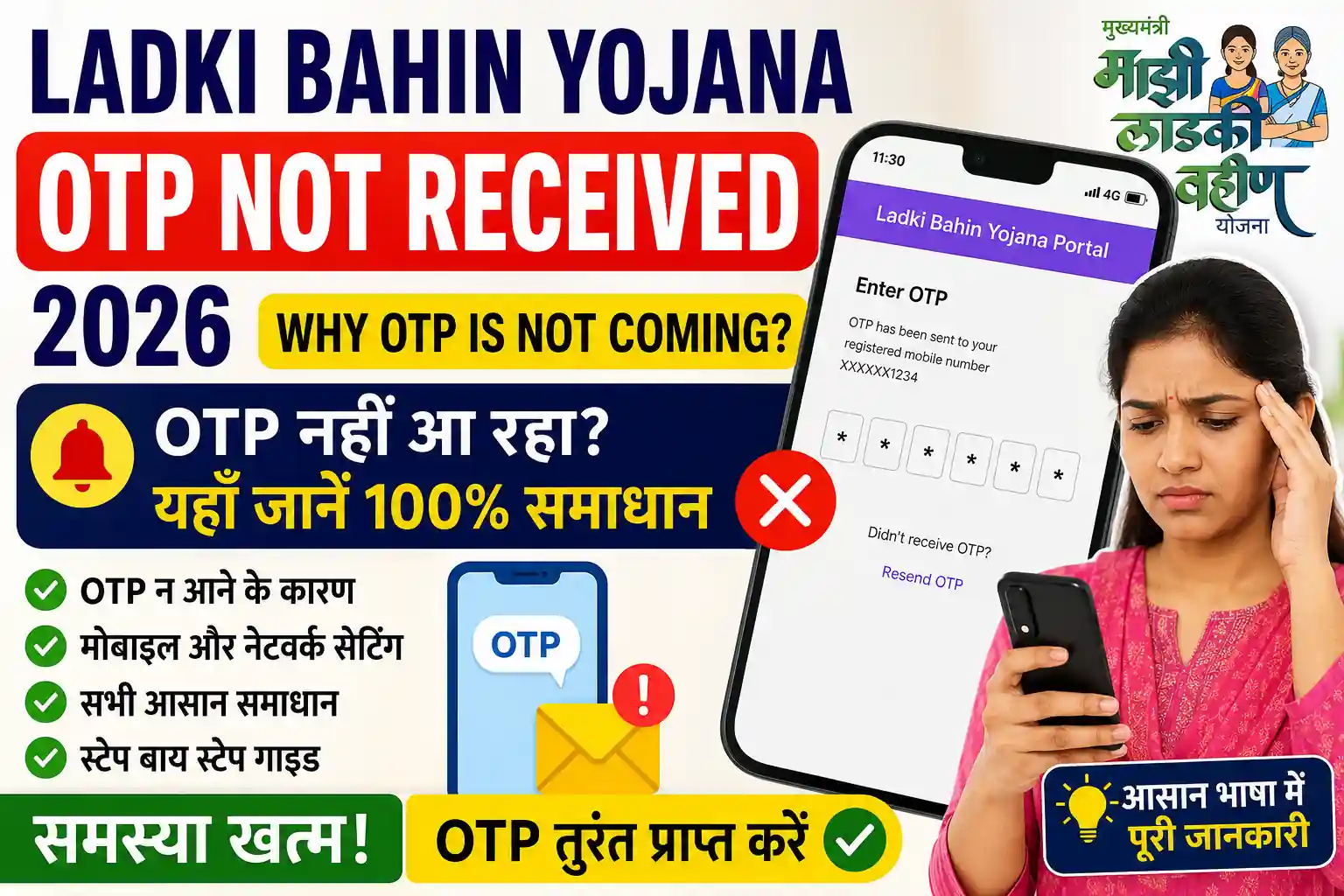
Many applicants face the Ladki Bahin Yojana OTP Not Received problem while completing registration, logging into the portal, updating details, or verifying eKYC. Without the One-Time Password (OTP), it is impossible to continue the verification process, which may delay your application or payment.
If your OTP is not arriving on your registered mobile number, don’t worry. In most cases, the issue can be fixed within a few minutes by following a few simple steps.
Before trying the solutions below, make sure your application details are correct. You can also check your application progress through Ladki Bahin Yojana Status Check if your registration has already been submitted.
Why Is Ladki Bahin Yojana OTP Not Coming?
There are several reasons why you may not receive the verification OTP.
Some of the most common causes include:
- Poor mobile network coverage.
- Incorrect mobile number entered.
- Mobile number not linked with your application.
- Temporary server traffic on the portal.
- SMS inbox blocked or full.
- DND or spam message filtering.
- Delay from your telecom operator.
- Browser or session timeout.
- Technical maintenance of the portal.
Most OTP issues are temporary and get resolved automatically after a short time.
When Is OTP Required?
You may receive an OTP during different services related to the scheme, including:
- New registration.
- Portal login.
- Mobile number verification.
- eKYC verification.
- Profile update.
- Bank account verification.
- Password reset.
- Security verification before submitting an application.
If the OTP does not arrive during any of these steps, the process cannot be completed until verification succeeds.
How Long Does It Normally Take to Receive the OTP?
Normally, the OTP is delivered within 30 seconds to 2 minutes.
However, during:
- Heavy portal traffic,
- New application announcements,
- Payment update days,
- Government maintenance,
the OTP may take 5–15 minutes to arrive.
Avoid requesting a new OTP repeatedly within a short period, as this may temporarily block further OTP requests.
Check Your Mobile Network First
Before assuming there is a portal issue, check whether your mobile phone is receiving regular SMS messages.
Make sure that:
- Airplane Mode is turned off.
- Mobile signal is available.
- SIM card is active.
- SMS service is working.
- Recharge validity has not expired.
If possible, restart your phone and try requesting the OTP again.
Verify That You Are Using the Registered Mobile Number
The portal sends OTPs only to the mobile number associated with your application or account.
If you recently changed your phone number or entered a different number during registration, the OTP may be sent to the previously registered number instead.
If you are unsure whether your application has already been accepted, check the current progress using Ladki Bahin Yojana Apply Online before attempting another registration.
Refresh the Page Instead of Requesting Multiple OTPs
Many users repeatedly click the Resend OTP button.
This can actually delay OTP delivery because:
- Older OTP requests remain pending.
- New OTP requests replace previous ones.
- Security limits may temporarily block additional requests.
A better approach is:
- Wait at least 2 minutes.
- Refresh the page.
- Request one new OTP.
- Wait patiently before trying again.
Doing this often resolves the issue without any additional steps.
ry Using a Different Browser
Sometimes the problem is not with the portal but with your browser session.
If the OTP is not being generated or verified, try:
- Google Chrome (latest version)
- Microsoft Edge
- Mozilla Firefox
- Safari (for iPhone users)
Also try opening the portal in Incognito/Private Mode, as stored cookies or cached data can occasionally interfere with verification.
Clear Browser Cache and Cookies
Old browser data may prevent the portal from working correctly.
To refresh your session:
- Open your browser settings.
- Clear Cache and Cookies.
- Close the browser completely.
- Reopen the website.
- Request a new OTP.
This simple step often resolves loading and verification issues.
Check Whether SMS Blocking Is Enabled
Many Android devices automatically block promotional or unknown messages.
Open your messaging app and check:
- Spam Folder
- Blocked Messages
- Archived SMS
- Filtered Messages
Your OTP may already be there instead of your main inbox.
Restart Your Mobile Device
A simple restart can refresh your mobile network connection.
Restarting your phone helps:
- Reconnect to your mobile network.
- Refresh SMS services.
- Fix temporary SIM communication issues.
- Clear minor software glitches.
After restarting, wait for the network to stabilize before requesting another OTP.
Check If Your SIM Card Is Working Properly
If your SIM card has network issues, OTP messages may never arrive.
Verify that:
- You can receive regular SMS.
- You can send SMS.
- Incoming calls are working.
- The SIM card is active.
If none of these services work, contact your mobile network provider before trying again.
Ensure the Mobile Number Matches Your Application
If you accidentally entered a different mobile number while submitting your application, the OTP will be sent to that number instead.
Before making any corrections, confirm your application details through Ladki Bahin Yojana Application Track to avoid unnecessary changes.
Understand the Difference Between Aadhaar OTP and Portal OTP
Many applicants confuse these two OTPs.
| Portal OTP | Aadhaar OTP |
|---|---|
| Sent by the Ladki Bahin portal | Sent by UIDAI |
| Used for login and verification | Used for Aadhaar authentication |
| Arrives on the registered portal mobile number | Arrives on the Aadhaar-linked mobile number |
If you are completing eKYC, the OTP may be sent to the mobile number linked with your Aadhaar instead of the number used during registration.
Avoid Requesting OTP Too Frequently
Repeated OTP requests within a few seconds can trigger temporary security restrictions.
For the best results:
- Request the OTP only once.
- Wait at least 2–5 minutes.
- Do not refresh the page repeatedly.
- Avoid opening multiple browser tabs.
This reduces the chances of the system temporarily blocking new OTP requests.
Common Mistakes That Delay OTP Delivery
Applicants often make small mistakes that prevent OTP delivery.
These include:
- Typing the wrong mobile number.
- Using an inactive SIM card.
- Poor network coverage.
- Browser timeout.
- Slow internet connection.
- Requesting multiple OTPs quickly.
- Using outdated browser versions.
- Entering an expired OTP.
Checking these points first can save a lot of time.
When the Problem Is on the Server
Sometimes the issue is completely unrelated to your device.
During:
- High application traffic,
- Portal maintenance,
- Payment update days,
- New registration announcements,
the server may delay OTP generation.
If this happens, waiting for some time is usually the best solution.
What If the OTP Still Does Not Arrive?
If you have already tried all the steps above and still haven’t received the OTP:
- Verify that your mobile number is correct.
- Restart your phone.
- Switch to a better network connection.
- Clear your browser cache.
- Try again after 30–60 minutes.
- Use another browser or device.
- Check whether the portal is under maintenance.
If the issue continues for several hours, you may need to contact the official support team or visit your nearest assistance center.
Final Tips to Receive the OTP Successfully
If you are facing the Ladki Bahin Yojana OTP Not Received issue, there is usually no need to submit a new application immediately. In most cases, the problem is caused by temporary server load, network issues, or an incorrect mobile number.
Before requesting another OTP, make sure you have:
- Verified your registered mobile number.
- Checked your mobile network.
- Waited at least 2–5 minutes.
- Avoided requesting multiple OTPs.
- Tried a different browser or device.
- Cleared your browser cache and cookies.
- Restarted your phone if necessary.
Following these steps resolves the issue for most applicants.
If the problem continues for several hours, wait until the portal traffic decreases or contact the official support channel for assistance.
For applicants who are still facing verification issues after receiving the OTP, you can also read Ladki Bahin Yojana eKYC Problem Solution for additional troubleshooting steps.
Frequently Asked Questions (FAQs)
The OTP may not arrive due to poor mobile network coverage, heavy server traffic, an incorrect registered mobile number, browser issues, or temporary technical maintenance.
Normally, the OTP is delivered within 30 seconds to 2 minutes. During busy periods, it may take up to 15 minutes.
No. Requesting the OTP repeatedly within a short time can temporarily block additional OTP requests. It is better to wait a few minutes before trying again.
Yes. Aadhaar OTP is sent to the mobile number linked with your Aadhaar, while the portal OTP is sent to the mobile number registered with your Ladki Bahin Yojana application.
Check your mobile network, verify the registered number, clear your browser cache, try another browser or device, and wait for some time before requesting a new OTP. If the issue continues, contact the official support team.