The Ladaki Bahin eKYC process has become one of the most important requirements for beneficiaries under the Maharashtra government scheme in 2026. Thousands of women are currently facing payment delays because their Aadhaar verification, DBT mapping, or eKYC process is incomplete.
This complete pillar guide explains everything related to Ladaki Bahin eKYC, including:
- Online verification process
- Aadhaar linking
- Face authentication
- DBT activation
- Payment pending solutions
- eKYC failure reasons
- Mobile update problems
- Beneficiary verification issues
If your ₹1500 payment is pending or your application status is stuck under verification, this guide can help you understand the complete process step by step.
Read also: Ladaki Bahin Yojana Maharashtra 2026
What Is Ladaki Bahin eKYC?
Ladaki Bahin eKYC is a digital identity verification process used by the Maharashtra government to verify beneficiaries before releasing scheme payments. The process usually includes:
- Aadhaar verification
- Mobile OTP authentication
- Bank verification
- Face authentication
- DBT confirmation
Without successful eKYC, many beneficiaries may experience:
- Payment pending issues
- Verification delays
- Installment hold
- Rejected status
- DBT transfer failure
Why Ladaki Bahin eKYC Is Important in 2026
In 2026, the government has increased verification checks to stop duplicate and fake applications. Because of this, eKYC has become mandatory for many beneficiaries.
If eKYC is incomplete:
- Payment may stop
- Status may show “Under Process”
- Beneficiary name may disappear from the list
- Application may enter reverification
Many users ignore eKYC messages and later face payment delays.
Read also: Ladaki Bahin Yojana New Rule 2026
How To Complete Ladaki Bahin eKYC Online
The online eKYC process is simple if all documents and Aadhaar details are correct.
Step-by-Step Process
Step 1 – Open Official Portal
Visit the official Maharashtra Ladaki Bahin portal.
Read also: Official Website Guide
Step 2 – Login With Mobile Number
Use your registered mobile number for OTP verification.
Step 3 – Enter Aadhaar Details
Fill in the correct Aadhaar number linked with your bank account.
Step 4 – Complete OTP Verification
Verify the OTP received on your Aadhaar-linked mobile number.
Step 5 – Face Authentication
Some users may be asked for face authentication during verification.
Step 6 – Submit Verification
After successful verification, your eKYC status should update automatically.
Read also: Mobile Se eKYC Kaise Kare
Common Ladaki Bahin eKYC Problems
Many beneficiaries face technical or document-related problems during eKYC verification.
Most common issues:
- Aadhaar OTP not received
- Face authentication failed
- Aadhaar mismatch
- Mobile number mismatch
- Server error
- Verification pending
- DBT inactive
- Aadhaar locked
These problems can directly affect your payment status.
Read also: eKYC Problem Solution
Aadhaar Linked Problem During eKYC
Aadhaar linkage is extremely important because payment is transferred through Aadhaar-based DBT systems.
Common Aadhaar problems:
- Aadhaar not linked with bank
- Aadhaar linked to old account
- Wrong Aadhaar details
- Aadhaar lock issue
- Biometric mismatch
To fix this:
- Visit your bank branch
- Update Aadhaar mapping
- Verify NPCI status
- Unlock Aadhaar if needed
Read also: Aadhaar Not Linked Problem
Read also: Aadhaar Locked eKYC Fail
DBT Active Check Before eKYC
Even after successful eKYC, payment may fail if DBT is inactive.
Why DBT Matters
DBT ensures government payments are transferred directly to your Aadhaar-linked bank account.
Without DBT:
- Payment may stay pending
- Installment transfer can fail
- Payment approval may not work properly
How To Check DBT
- Visit bank branch
- Ask for NPCI Aadhaar mapping
- Confirm DBT activation
Read also: DBT Active Check
Payment Pending After eKYC
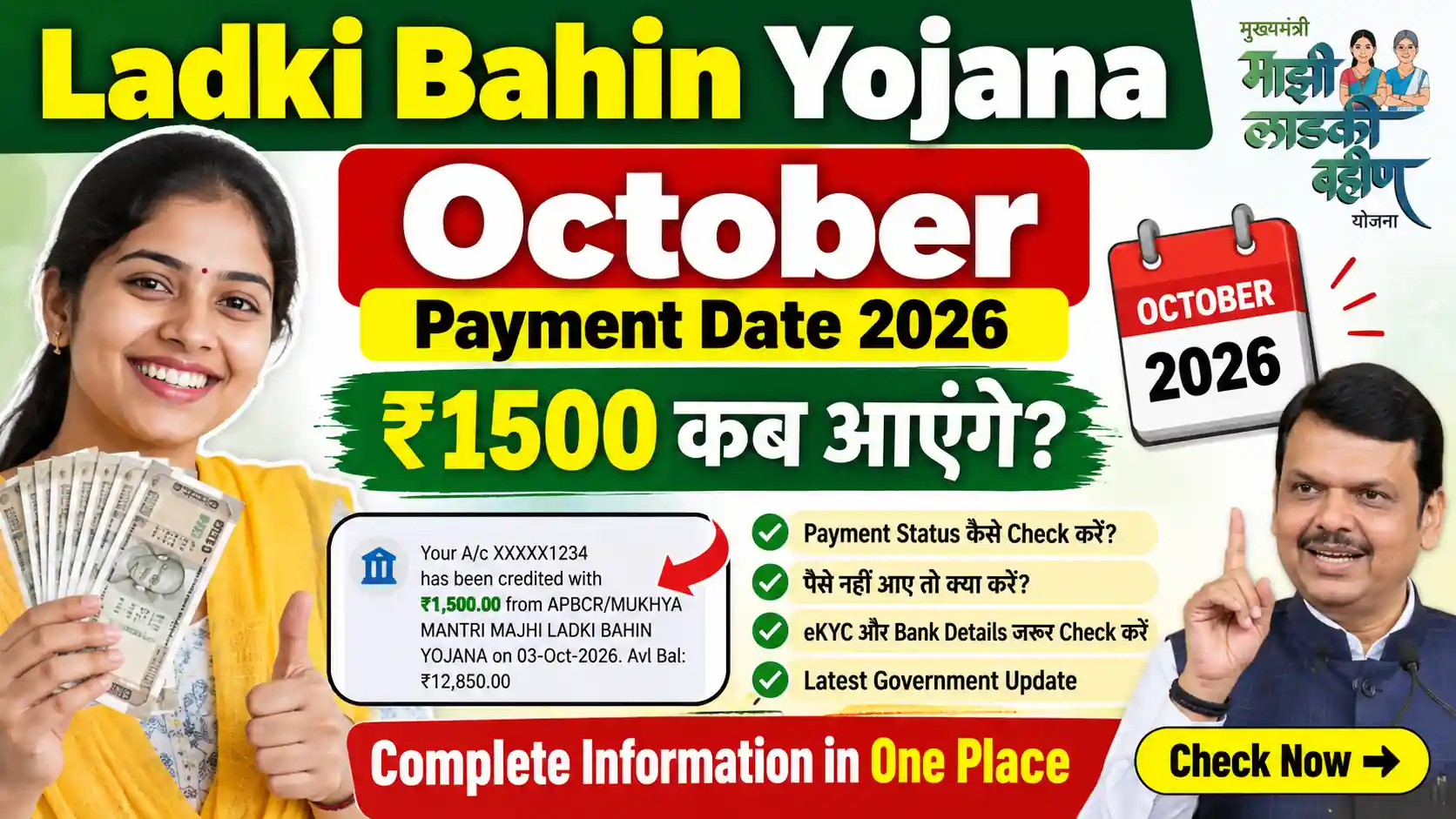
Many beneficiaries complete eKYC successfully but still do not receive payment immediately.
Possible reasons:
- Payment batch delay
- Bank verification pending
- Server update delay
- Government reverification
- District verification process
Read also: Pending Payment Solution
Read also: Approved But Payment Pending
Mobile Number Mismatch Problem
A mobile mismatch is another major reason behind eKYC verification failure.
This happens when:
- Aadhaar has one number
- Bank has another number
- Application uses a different number
Result:
- OTP failure
- Verification stuck
- Payment delay
Solution:
- Update mobile number everywhere
- Verify Aadhaar mobile link
- Update bank account details
Read also: Mobile Number Mismatch Problem
High Risk Profile During eKYC
Some users see “High Risk Profile” during verification.
Reasons may include:
- Duplicate application
- Family duplicate detection
- Suspicious document mismatch
- Multiple Aadhaar usage
Read also: High Risk Profile 2026
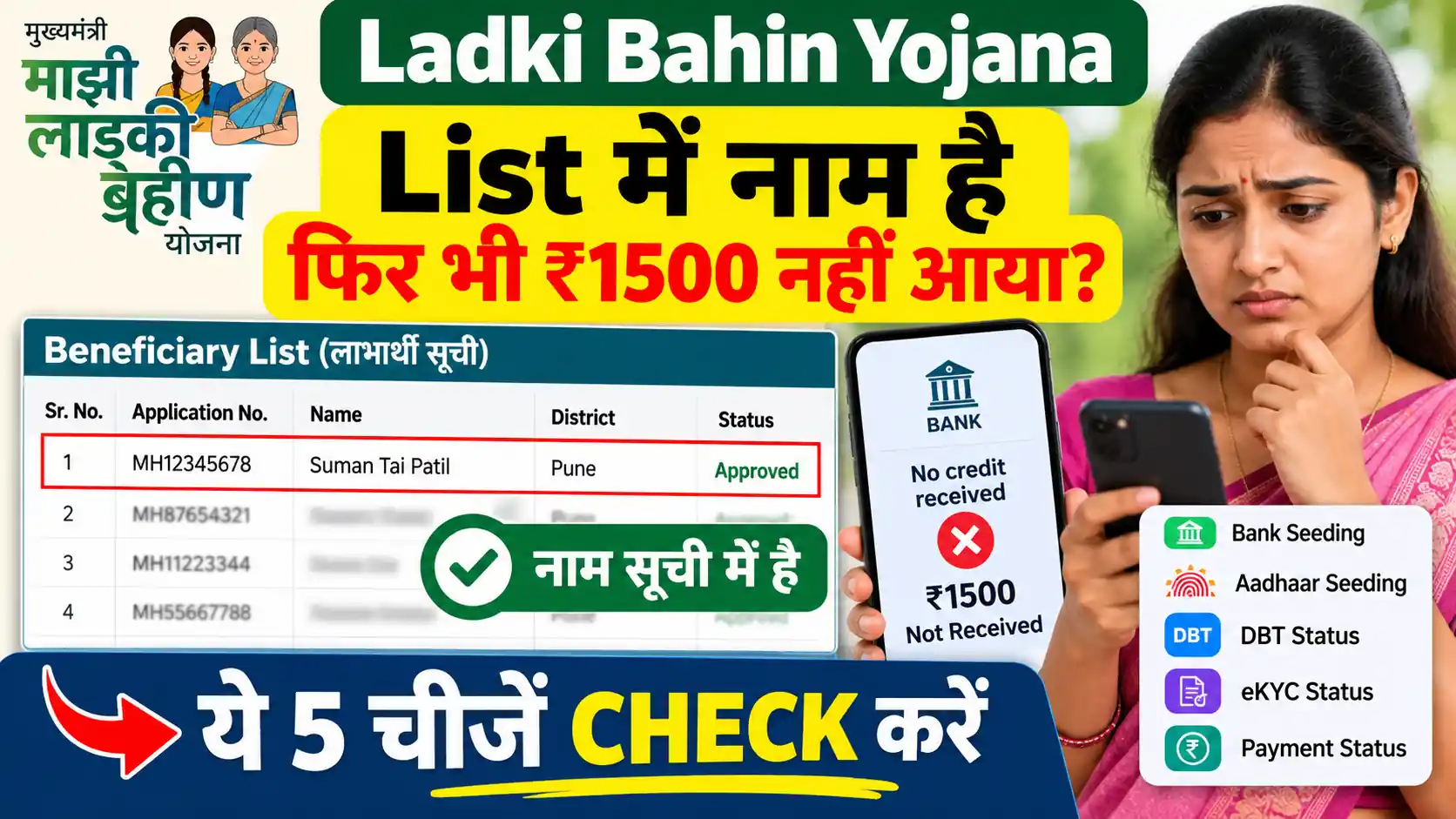
Beneficiary List Verification
If your eKYC is successful, your name is more likely to appear in the beneficiary list.
However, missing names can happen because:
- Verification incomplete
- Payment hold
- DBT inactive
- Document mismatch
Read also: Beneficiary List Check
Read also: Beneficiary Name Not Found
Under Process Status After eKYC
Many applicants panic when their application shows “Under Process.”
Usually this means:
- Verification still running
- Payment batch not released
- Government approval pending
- District review active
Read also: Under Process Kab Tak
Reverification Started Problem
In 2026, Maharashtra authorities started reverification drives for many beneficiaries.
This may happen because:
- Old records mismatch
- Aadhaar update required
- Duplicate beneficiary suspicion
- Bank verification failure
Read also: Reverification Started 2026
eKYC Mistakes That Stop Payment
Small mistakes can stop payment instantly.
Common mistakes:
- Wrong Aadhaar number
- Invalid IFSC code
- Incorrect bank account
- Expired documents
- Wrong mobile number
Read also: eKYC Mistakes Guide
Read also: Form Mistakes Stop Payment
How To Check eKYC Status
Beneficiaries should regularly check eKYC status after verification.
Possible status:
- Successful
- Pending
- Failed
- Verification Under Process
- Rejected
Read also: eKYC Success Status Check
Payment Freeze After eKYC
Sometimes payments are frozen even after successful verification.
Reasons:
- District verification drive
- Technical audit
- Duplicate beneficiary check
- Income verification
Read also: Payment Freeze District Report
Read also: Payment Band Kyu Hua
Rejected Application After eKYC
Some applications still get rejected even after eKYC.
Possible reasons:
- Document mismatch
- Duplicate records
- Aadhaar issue
- Income verification failed
Read also: Rejected Application Correction
Read also: Form Rejection Reason
Latest eKYC Update 2026
The Maharashtra government is continuously improving digital verification systems. In 2026:
- Face authentication increased
- Aadhaar verification became stricter
- Duplicate account checks expanded
- Payment verification became more advanced
Beneficiaries should keep:
- Aadhaar updated
- Mobile active
- DBT enabled
- Bank details correct
Conclusion
The Ladaki Bahin eKYC Complete Guide 2026 is essential for beneficiaries who want uninterrupted payment benefits under the Maharashtra scheme. Most payment problems are connected to incomplete eKYC, Aadhaar mismatch, DBT issues, or mobile verification errors.
By following proper verification steps and keeping all records updated, beneficiaries can significantly improve their chances of receiving timely ₹1500 payments without delays.
FAQs
Yes, eKYC is extremely important for payment verification and beneficiary approval.
Common reasons include Aadhaar mismatch, OTP failure, DBT inactive status, or face authentication issues.
In many cases, incomplete eKYC may delay or stop payment transfers.
Visit your bank branch immediately and update Aadhaar mapping.
Verification time depends on server load, district verification, and document validation.
📖 Read Also
1️⃣ Ladaki Bahin Yojana Apply Online
2️⃣ Ladaki Bahin Yojana Next Installment Date 2026
3️⃣ Ladaki Bahin Yojana Payment Reject
4️⃣ Ladaki Bahin Yojana Hold List 2026
5️⃣ Ladaki Bahin Yojana Verification Call Visit